

Photography
2 minutes
Portrait Photography Poses for Natural Light Indoors
Master indoor portrait photography using window light and simple poses
View Infographic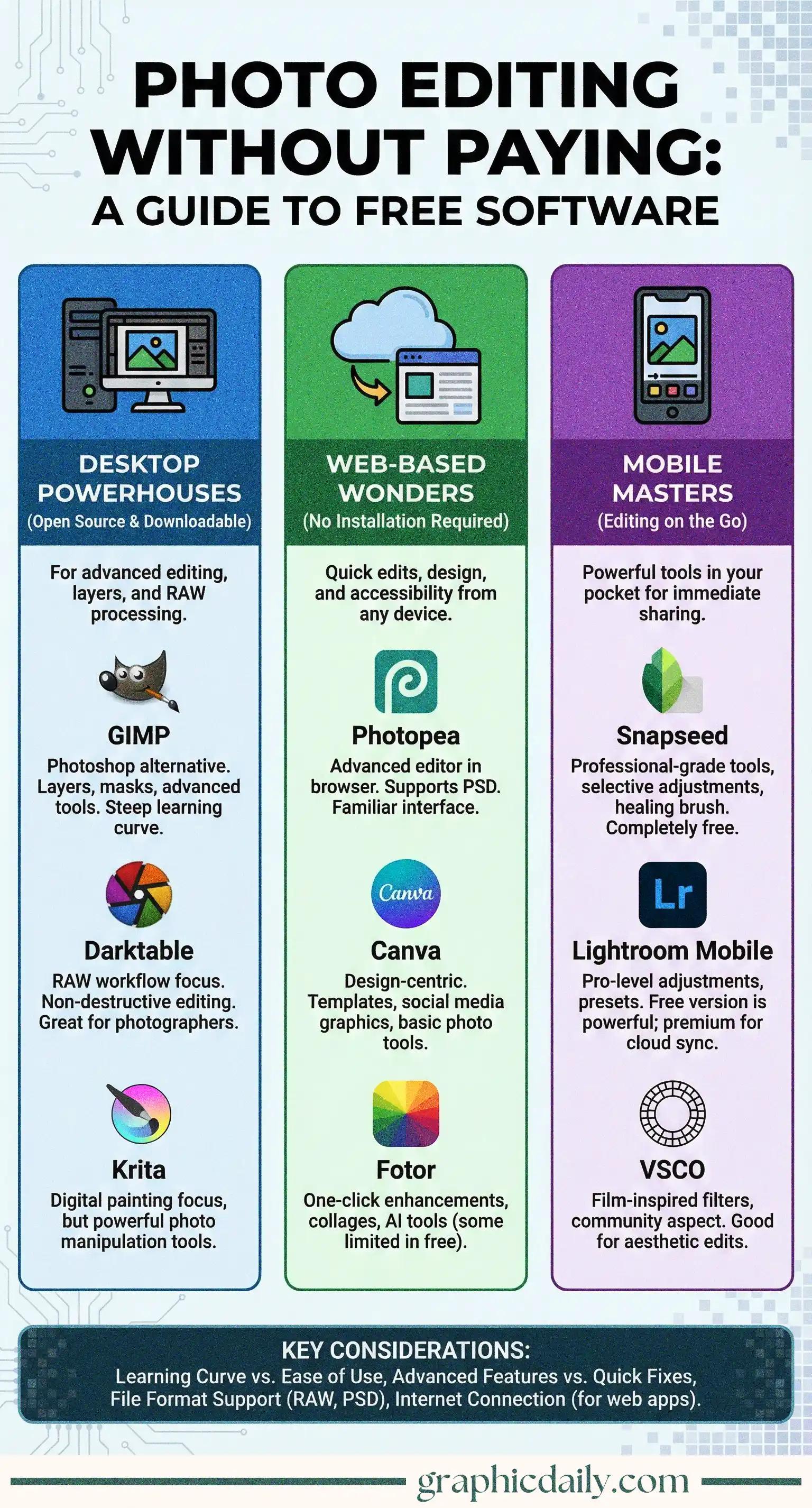
Why shell out hundreds of dollars for editing software when phenomenal free alternatives exist? I spent some time digging into the world of no-cost photo editors, and honestly, what I discovered was pretty remarkable. Our infographic above breaks down the landscape into three distinct categories that actually make sense.
GIMP remains the heavyweight champion here. This open-source marvel handles layers, masks, and intricate adjustments that would make Photoshop jealous, though I'll admit the interface takes some getting used to—it's powerful but occasionally finicky. For those wrestling with RAW files (and if you're serious about photography, you probably should be), Darktable offers non-destructive editing that preserves every precious pixel of your original image data.
Here's where things get interesting. Photopea genuinely shocked me—it's essentially Photoshop running in your browser, complete with PSD file support. No installation required! Meanwhile, Canva dominates the social media editing space with its ridiculously intuitive drag-and-drop interface, perfect for quick graphics and basic touch-ups without the learning curve.
Google's Snapseed delivers professional-grade tools completely free. We're talking selective adjustments, healing brushes, and enough filters to keep you editing for hours. Adobe Lightroom Mobile's free version is surprisingly robust too, offering presets and adjustments that rival many paid apps.
Which tool matches your workflow? Desktop programs excel at complex, layer-intensive projects; web editors shine for speed and convenience; mobile apps let you edit anywhere inspiration strikes. Experiment liberally—they're all free anyway!
Master indoor portrait photography using window light and simple poses
View Infographic
Capturing stunning night sky photos with gear you probably already own
View Infographic